How to Tell If an Image Is AI Generated: OpenAI Verify, Google SynthID, and the Best Free Tools (2026)
AI images are no longer easy to dismiss at a glance.
That used to be the trick. You looked for broken hands, strange teeth, melted text, or lighting that made no sense. Those signs still appear, but they are no longer reliable. Newer image models can produce product shots, profile pictures, street photos, editorial-style images, and fake screenshots that look ordinary enough to pass through a social feed without raising suspicion.
OpenAI's ChatGPT Images 2.0, released on April 21, 2026, made that shift harder to ignore. OpenAI positioned it as a major image generation update inside ChatGPT, with stronger visual control and image creation built into the ChatGPT experience.
So the question has changed. People are not only asking whether an image "looks fake." They are asking something more specific:
How can you tell if an image is AI-generated when your eyes are no longer enough?
Why AI Image Detectors Matter Now?
Human judgment has a ceiling, and recent research makes that clear.
A Microsoft Research study analyzed roughly 287,000 image evaluations from more than 12,500 participants around the world. The overall success rate for distinguishing real images from AI-generated or AI-modified ones was 62%. Participants did better with human portraits but struggled more with natural and urban landscapes.
That does not mean people are helpless. It does mean casual inspection is not enough, especially when an image is being used to support a claim, sell a product, impersonate someone, or make a piece of news look real.
The better question is not:
Does this image look real?
The better question is:
What evidence does this image carry?
That is where tools like OpenAI Verify, Google SynthID, C2PA Content Credentials, and third-party AI image detectors come in.
The Main Types of AI Image Detection Tools
Before comparing specific tools, it helps to separate them by what they actually check. Different AI image detection tools answer different questions.
| Tool Type | What It Checks | Examples | Best For |
|---|---|---|---|
| Provenance Tools | Metadata and source signals are attached to the file | OpenAI Verify, C2PA checks | Confirming whether an image came from a supported source |
| Watermark Detection | Invisible signals embedded in generated media | Google SynthID, OpenAI SynthID signals | Checking supported AI-generated media |
| Third-Party AI Image Detectors | Visual and statistical patterns commonly found in AI-generated images | Hive, Illuminarty, PicDetect, TruthScan | Checking unknown images without official provenance signals |
| Manual Review | Context, visual details, image history, and source credibility | Source checks, reverse image search, and visual inspection | Supporting the final judgment when tool results are unclear |
Key difference: Official tools check whether a known signal is present. Third-party AI image detectors estimate whether an image looks AI-generated.
Those are not the same thing.
OpenAI Verify: Best for Checking OpenAI-Generated Images
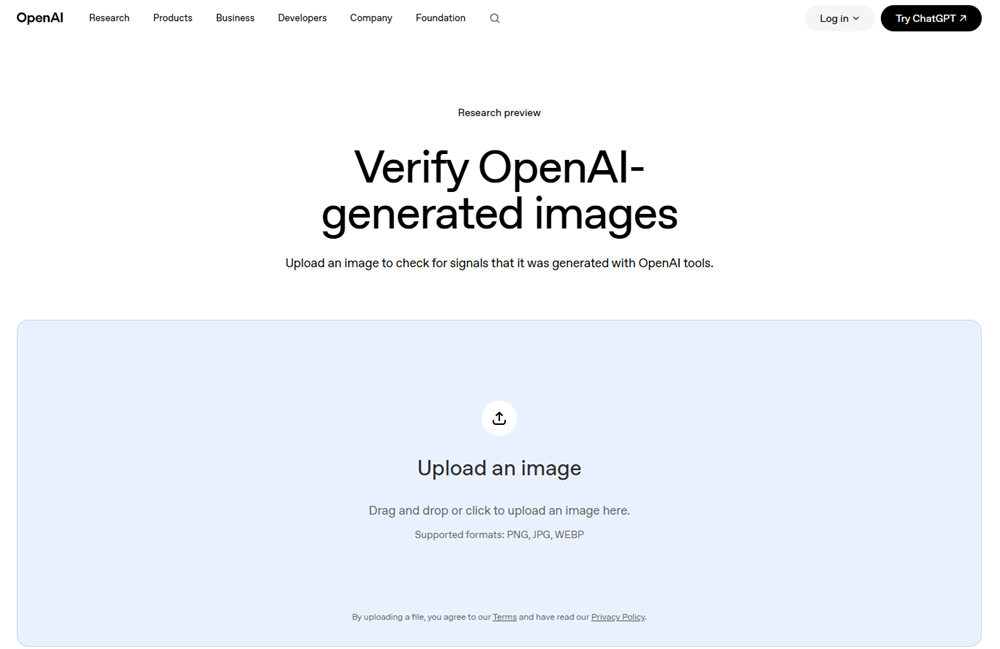
On May 19, 2026, OpenAI launched Verify — a free, publicly accessible tool at openai.com/verify, currently in research preview.
How to Use Verify?
1. Go to openai.com/verify
2. Upload one image at a time (PNG, JPG, or WEBP)
3. If uploading a screenshot, crop tightly around the image — surrounding UI can interfere with results
4. Wait a few seconds for the scan
5. Read the result
How OpenAI Verify Works
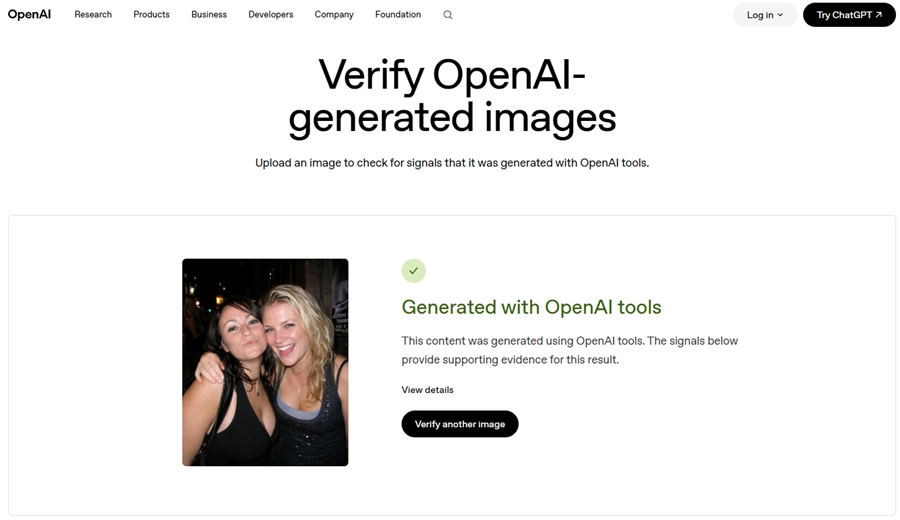
Verify runs two checks simultaneously:
C2PA Content Credentials — an open industry standard used by Adobe, Microsoft, Google, and OpenAI. For supported OpenAI-generated images, this credential records the origin tool, creator, and timestamp. Think of it as a digital certificate of origin embedded in the file's metadata.
SynthID watermark — developed by Google DeepMind, this embeds an invisible signal directly into the image's pixels rather than its metadata. Unlike C2PA, it can survive screenshots, compression, and format changes. OpenAI integrated SynthID as part of a new partnership with Google, announced alongside Verify's launch.
The two systems are designed to complement each other: C2PA carries detailed origin information, SynthID acts as a backup when metadata gets stripped.
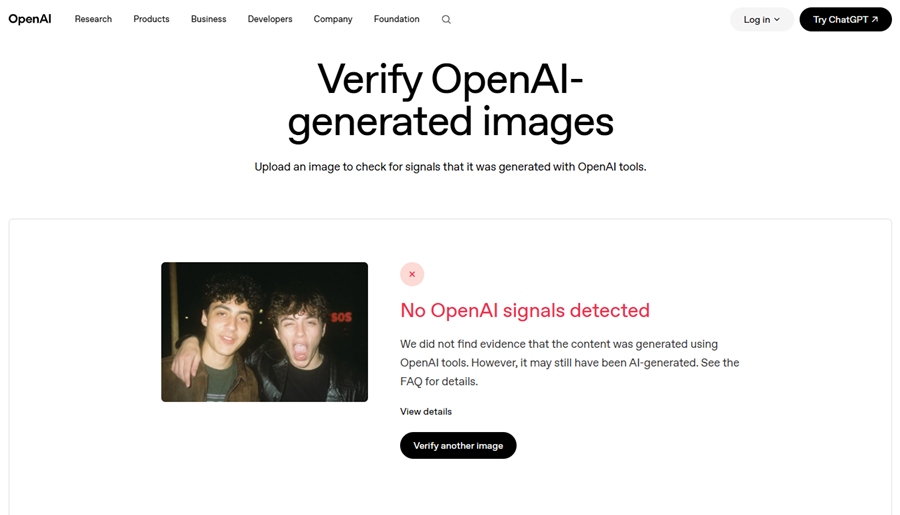
No signal detected does not mean the image is real.
In our own test, we downloaded several sample images from OpenAI's official GPT Image-2 introduction page and uploaded them to OpenAI Verify. The tool returned "No OpenAI signals detected." That result is a good reminder of the tool's limitation: a missing signal does not automatically mean the image is real, or that it was not generated by OpenAI. Web images may be compressed, converted, processed by a CDN, or stripped of metadata before users download them.
The Hard Limit of OpenAI Verify
Verify only identifies images generated by OpenAI's own systems. It cannot detect images from Midjourney, Stable Diffusion, Adobe Firefly, or any other platform.
It answers "did OpenAI make this?" — not "was this made by AI?" Those are very different questions.
Google SynthID: AI Detection Built Into Everyday Products
Google is approaching AI image detection differently.
Instead of relying only on a standalone upload page, Google is expanding verification across products people already use: Gemini, Search, Lens, Circle to Search, Chrome, Pixel, and Cloud.
Four Ways to Access it
1. Google Search (Lens or AI Mode)
Open Google Search, switch to AI Mode, or tap the Lens camera icon. Upload or point to an image, then ask: "Is this AI-generated?" No separate tool, no account required.
2. Circle to Search on Android
Long-press the home button or navigation bar on a supported Android device, draw around any image on your screen, and ask if it's real. Works inside apps, not just browsers. Returns a full provenance history — including whether a camera captured the image and whether it was later edited with AI tools.
3. Gemini App (available now)
The most fully-featured option currently available. Upload an image, video, or audio file and ask whether it's AI-generated. Supports all three media types.
4. Chrome Browser (rolling out)
Chrome integration is arriving over the coming weeks — once live, you can ask the built-in Gemini assistant about any image on a webpage without uploading anything.
The Same Fundamental Limit
SynthID detection identifies images watermarked by Google. An image from Midjourney or Stable Diffusion has no SynthID watermark — Google's tools won't catch it through watermarking. Google's advantage over OpenAI Verify lies in broader access and richer contextual results. The detection scope is comparable.
Third-Party AI Image Detectors: A Different Logic
Official tools usually check for signals. Third-party AI image detectors use a different approach: they use AI to look for signs of AI.
They train detection models on real and AI-generated images, then look for patterns that may not be obvious to humans. These may include texture regularities, frequency patterns, compression behavior, unnatural transitions, repeated details, or traces associated with certain generators.
It can be useful, especially when no official watermark or C2PA metadata is available. But these tools should not be treated as final proof.
Common Third-Party AI Image Detection Tools
Below are several tools users often come across when searching for an AI image detector. This is not a ranking. Tool features, pricing, and accuracy claims change often, so treat this section as a practical overview rather than a fixed leaderboard.
Hive Moderation — Best overall accuracy
In independent testing, 47 out of 50 images were correctly classified (94%) across Midjourney, DALL-E, and Stable Diffusion, with zero false positives on real photos. Offers an enterprise API with batch processing. The right choice for publishers or platforms processing volume. 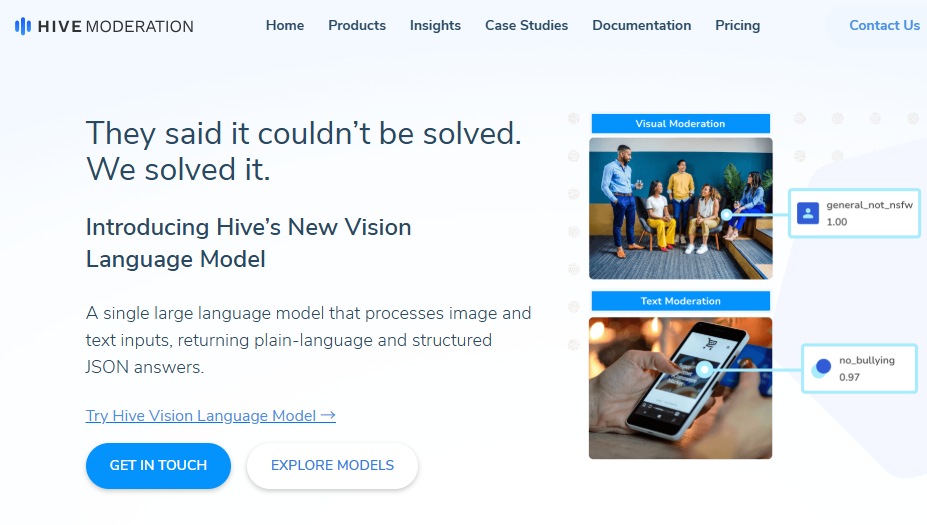
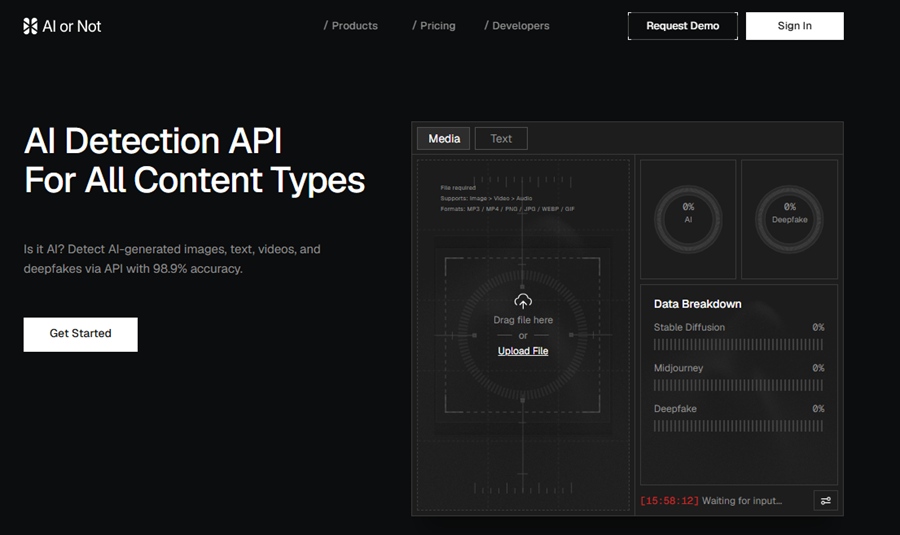
AI or Not — Best for quick checks
Free, no account, no setup. Upload and get a result in seconds. Lower accuracy than Hive, but the lowest-friction option for one-off checks.
Illuminarty — Best for visual explanation
5 free scans per day. Produces a heatmap overlay showing exactly which parts of an image triggered the detection — useful when you need to show your reasoning, not just a verdict. ~91% accuracy in benchmarks.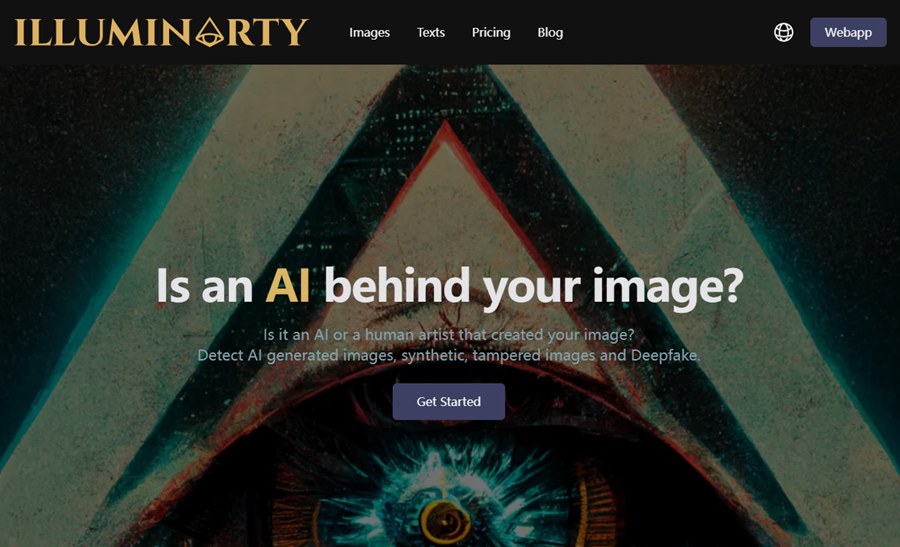
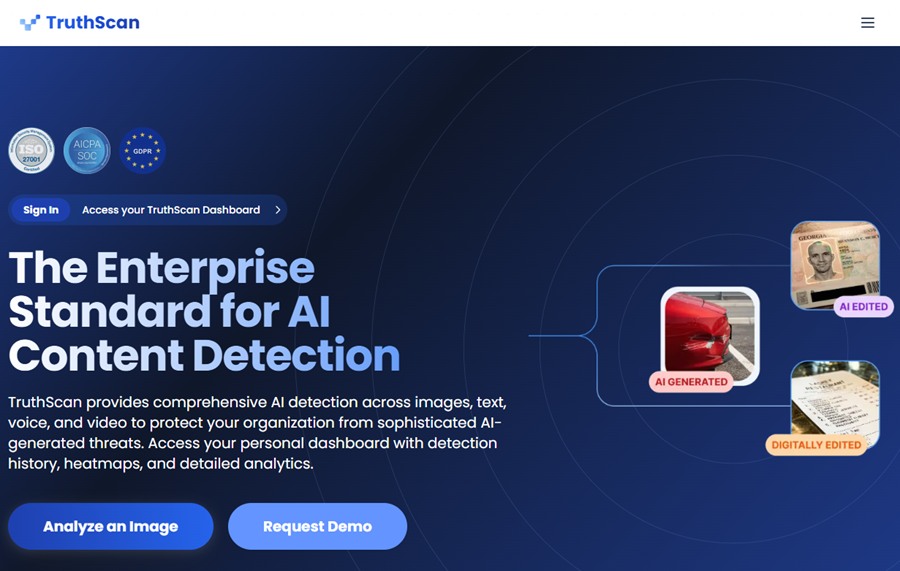
TruthScan — Highest benchmark score
In a 2026 test covering ChatGPT, Midjourney, and other generators, the only tool to score 97%+ across all 10 test images. Worth testing if Hive's pricing doesn't fit.
How Reliable Is AI Image Detection in 2026?
Reliable enough to be useful. Not reliable enough to be final.
The current system has several weak points:
1. Metadata can be stripped
C2PA Content Credentials can carry useful provenance information, but metadata can disappear during upload, download, editing, compression, screenshots, or platform processing.
2. Watermarks can degrade
SynthID is designed to be more durable than metadata, but no watermark should be treated as impossible to damage.
3. Detectors can lag behind new generators
Third-party detectors are trained on existing patterns. When new image models appear, detection accuracy can drop until detectors are updated.
4. Real photos can look suspicious
Professional editing, heavy compression, low resolution, filters, and unusual lighting can make a real photo look “AI-like.”
FAQs About AI Image Detectors
1. How can I tell if an image is AI-generated?
Use the tool that matches the likely source. If it may come from OpenAI, try OpenAI Verify. If it may carry Google SynthID or C2PA signals, use Google’s verification features where available. If the source is unknown, use a third-party AI image detector as a second opinion and check the image source separately.
2. Is OpenAI Verify a general AI image detector?
No. OpenAI Verify checks for supported provenance signals associated with images generated by OpenAI tools, including ChatGPT, OpenAI API, and Codex. It is not a universal detector for every AI image online.
3. Are third-party AI image detectors accurate?
They can be useful, but accuracy varies heavily by tool, dataset, generator, and image processing history. Independent benchmark work has found no universal best detector, especially when testing modern commercial image generators.