ChatGPT for Teens Explained: Features, Parental Controls, and How It Differs from ChatGPT
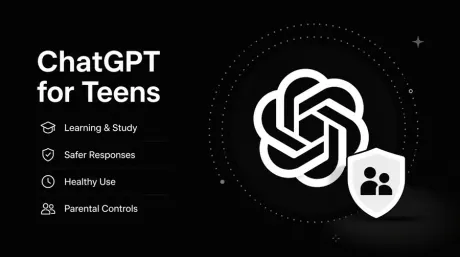
In January 2026, OpenAI began rolling out age prediction in ChatGPT to help identify accounts that may belong to users under 18. On August 18, it followed with ChatGPT for Teens, a dedicated teen experience that brings learning tools, age-appropriate safeguards, healthy-use features, and parental controls together inside ChatGPT.
That naturally raises a few questions. How does ChatGPT know how old someone is? Does ChatGPT for Teens have fewer features than regular ChatGPT? And if a parent links their account, can they read their teen's conversations?
Here is how the new teen experience actually works.
1. What Is ChatGPT for Teens?
ChatGPT for Teens is not a separate app, model, or subscription plan. It runs inside the same ChatGPT people already use, but accounts identified as belonging to someone under 18 receive an experience designed with teens in mind.
Teens can still use ChatGPT to study, research a topic, write code, work on creative projects, or ask everyday questions. The main differences are in how learning is guided, how sensitive content is handled, and what tools are available for managing usage and family settings.
OpenAI describes it as "the same capable ChatGPT," rather than a stripped-down version for younger users.
1.1 Who Gets the ChatGPT for Teens Experience?
ChatGPT can use three types of age information when deciding whether an account should receive the teen experience:
1) the age associated with the account;
2) a verified age;
3) ChatGPT's age-prediction system.
If an eligible account is identified as belonging to someone under 18, ChatGPT for Teens is enabled automatically. There is no separate "teen mode" switch that users need to turn on.
ChatGPT is not intended for children under 13. Users between 13 and 17 need permission from a parent or guardian before using the service.
1.2 How Does ChatGPT Know Whether a User Is Under 18?
Age prediction actually predates ChatGPT for Teens. OpenAI began rolling it out to consumer ChatGPT plans in January 2026 as an extra way to determine whether an account is likely being used by someone under 18.
The date of birth on an account is self-reported. Age prediction works as an additional check.
OpenAI says the system can look at signals linked to the account, such as how long it has existed, when ChatGPT is typically used, general usage patterns, and the kinds of topics the user discusses. Even if a date of birth was entered when the account was created, age prediction may still be used.
So entering a birthday does not take age prediction out of the equation. OpenAI may use both when deciding whether an account should receive the teen experience.
1.3 What If an Adult Is Mistakenly Identified as a Teen?
Age prediction won't get every case right, and OpenAI acknowledges that mistakes can happen.
If you're already 18 or older but ChatGPT places your account in the teen experience, you can verify your age from your account settings. Once your age is confirmed, the additional teen protections are removed and the account moves back to the settings and features available to adults.
2. What Features Does ChatGPT for Teens Include?
ChatGPT for Teens isn't simply regular ChatGPT with a few extra restrictions. The biggest changes fall into three areas: learning, sensitive-content safeguards, and healthier use.
2.1 More Focus on the Learning Process, Not Just the Final Answer
Learning is one of the clearest themes in ChatGPT for Teens.
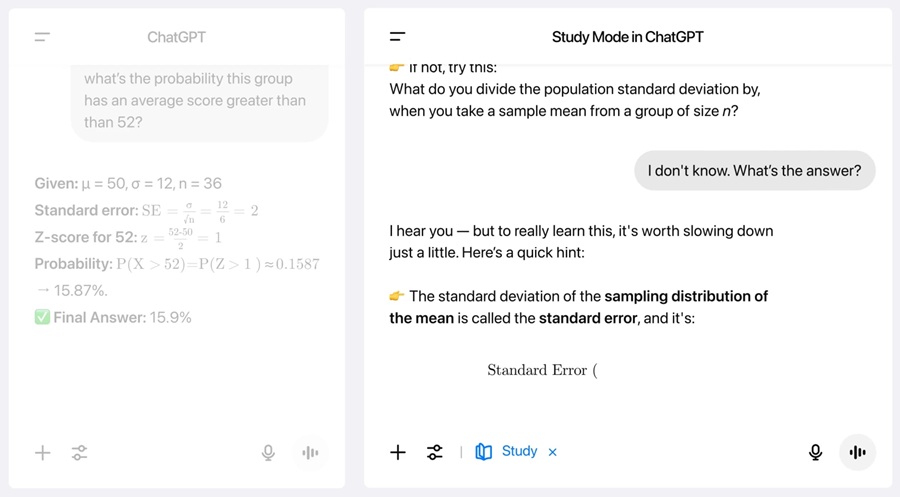
The experience brings together tools such as Study Mode, Quizzes, Learning Visualizations, and Responsible Homework Reminders. If ChatGPT detects that a teen may be trying to shortcut an assignment, it can suggest switching to Study Mode, where the conversation may use hints, questions, and step-by-step guidance to help them work through the problem themselves.
2.2 Stronger Age-Appropriate Protections for Sensitive Content
Teen accounts receive additional age-appropriate safeguards. When a conversation touches on sensitive, age-inappropriate, or higher-risk topics, ChatGPT may respond more cautiously than it would in the standard experience.
One of the key safeguards is Reduce sensitive content, which is turned on by default for accounts using ChatGPT for Teens. It is designed to lower the chance of sensitive or inappropriate material appearing in responses.
It isn't a perfect content filter. OpenAI is clear that the setting can reduce the likelihood of inappropriate responses, but cannot guarantee that every answer will be suitable in every situation.
2.3 More Reminders Around Breaks and Healthy Use
ChatGPT for Teens also includes several smaller features aimed at healthier use.
After a longer session, ChatGPT may remind the user to take a break. It can also make it clearer that the user is interacting with an AI system. Before some image uploads, teens may see a reminder to check whether the image contains personal or sensitive information they should avoid sharing.
These prompts don't stop normal use. They're simply there at moments when it can be easy to lose track of time or share something without thinking twice.
3. ChatGPT vs. ChatGPT for Teens: What's the Difference?
The table below gives a quick overview of the main differences.
| Feature | Regular ChatGPT | ChatGPT for Teens |
|---|---|---|
| Product experience | Standard ChatGPT | The same ChatGPT with a teen-specific experience |
| How it is enabled | Normal account use | Automatically enabled for eligible accounts identified as under 18 |
| Core capabilities | Features depend on the user's plan | Retains ChatGPT's main capabilities |
| Content safeguards | Standard safety protections | Additional age-appropriate safeguards |
| Study Mode | Users can turn it on themselves | More closely integrated into learning |
| Homework Reminders | Not a core part of the standard experience | Can steer teens toward a more learning-focused approach to assignments |
| Study Hours | Not part of the standard adult experience | Can schedule eligible new chats to start in Study Mode |
| Quiet Hours | Not part of the standard adult experience | Linked parents can set times when ChatGPT cannot be used |
| Parental controls | Not part of the standard adult experience | A parent or guardian can optionally link their account |
| Parent access to chat history | — | Not supported |
| Age detection | Does not trigger a teen experience for adult accounts | Can use account age, verified age, and age prediction |
4. What Can Parents Control in ChatGPT for Teens?
ChatGPT for Teens may turn on automatically based on age, but parental controls do not.
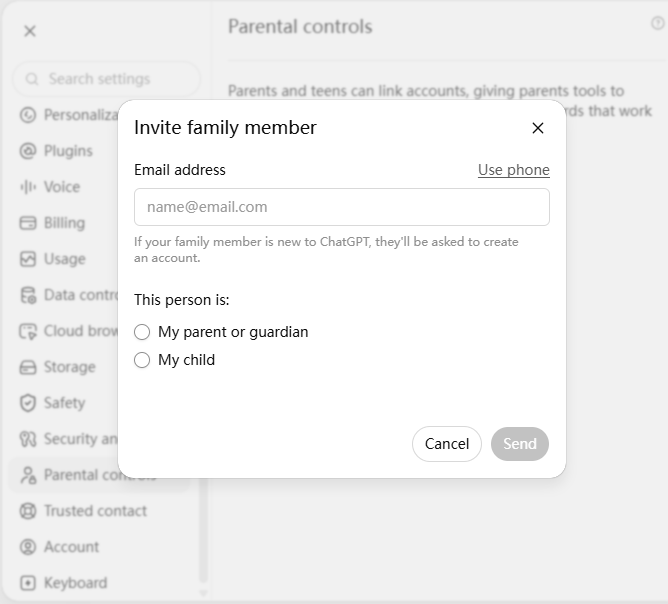
A parent or guardian first needs to link their ChatGPT account with the teen's account. Once the accounts are connected, the parent can manage selected settings. The teen can see which controls are in place, but cannot change settings managed by the linked parent while the accounts remain connected.
4.1 What ChatGPT Settings Can Parents Manage?
The available controls mainly cover learning, usage time, content safeguards, and privacy-related features.
Learning
1) Study Mode
2) Study Hours
Usage time
1) Quiet Hours — blocks access to ChatGPT during scheduled times
Features and privacy
1) Reduce sensitive content
2) Memory
3) Whether conversations can be used to improve OpenAI's models
4) Voice Mode
5) Image generation
One important limitation: linking parental controls does not let parents read their teen's ChatGPT conversations. There is no dashboard for checking chat history or monitoring conversations in real time.
In a limited number of safety-related situations, OpenAI may send the linked parent or guardian a notification. Those alerts only include the information needed for the relevant safety issue; they do not provide the teen's full conversation history.
5. ChatGPT for Teens FAQ
5.1 Does ChatGPT for Teens Cost Extra?
No. ChatGPT for Teens isn't a separate subscription. It's an age-appropriate experience applied to an existing ChatGPT account.
Eligible users on both Free and paid personal plans can receive ChatGPT for Teens without paying an additional fee specifically for the teen experience.
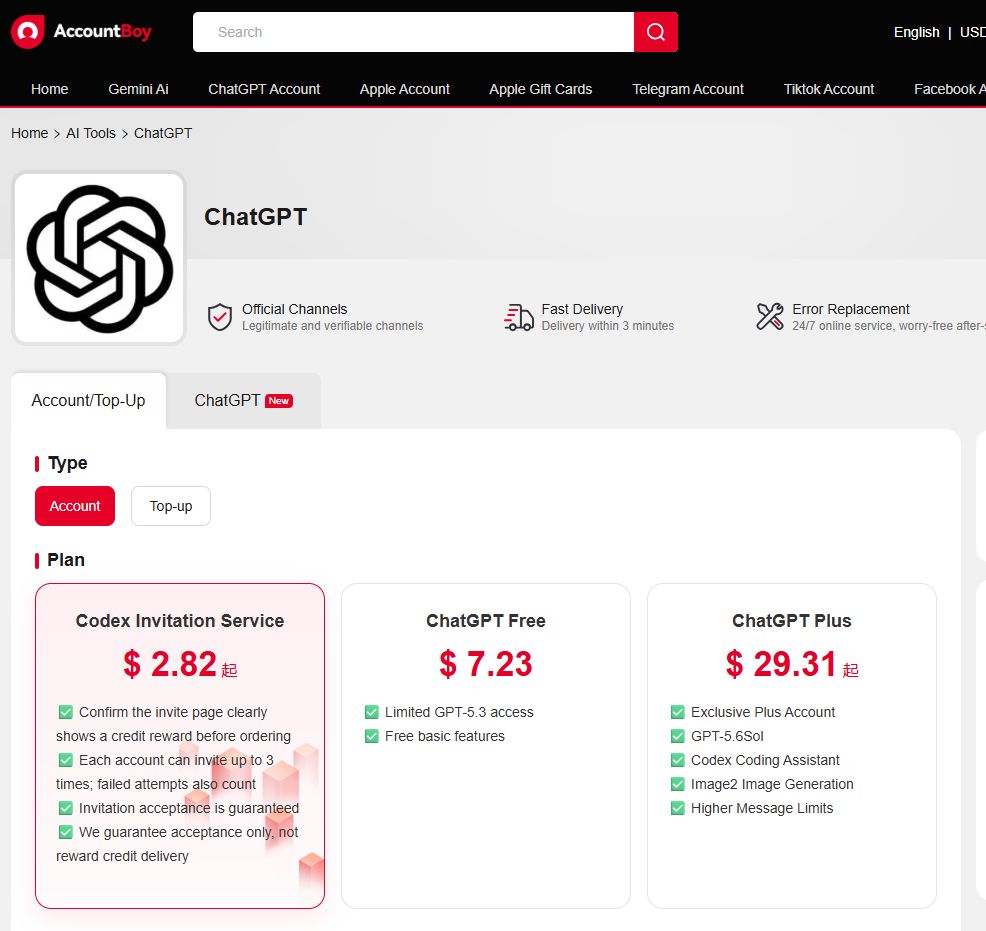
Adult users who want to subscribe to or renew ChatGPT Plus can use OpenAI's official subscription options or compare AccountBoy's ChatGPT Plus account and subscription options to choose a purchase method that better fits their needs.
5.2 Why Don't I Have ChatGPT for Teens Yet?
ChatGPT for Teens is still rolling out, so not every eligible account will receive all teen-specific features at the same time.
If an account meets the age requirements but hasn't received the new features yet, the rollout may simply not have reached that account. Availability can also vary by region.
5.3 What Happens If an Adult Is Mistakenly Identified as Under 18?
The account won't be banned or deactivated. Instead, ChatGPT may apply the teen experience, including additional safeguards and some feature limits.
If the account holder is already 18 or older, they can verify their age to have the teen protections removed.
5.4 Will ChatGPT for Teens Stay On After a User Turns 18?
No. Once ChatGPT identifies the account holder as 18 or older, the account moves out of the teen experience. Teen protections are turned off by default, and the user gets full control over the settings available to adult accounts.
If the account was linked to a parent or guardian through parental controls, that connection also ends.